
Latest Articles

Picfair's New Private Albums: What It Means for Your Client Delivery Workflow

Picfair's New Private Albums: What It Means for Your Client Delivery Workflow

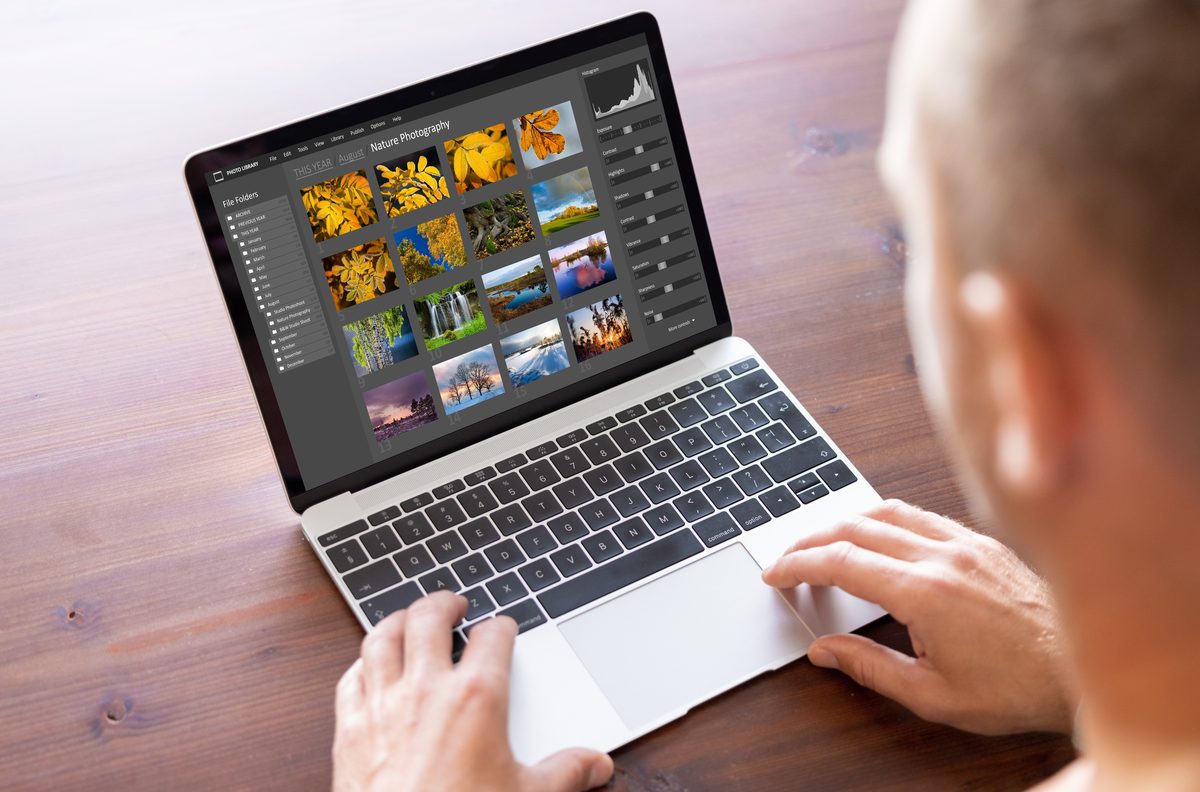
I’ve been watching Picfair evolve from a simple photo marketplace into something more ambitious, and their latest move solidifies that shift. They’re now targeting professional and semi-professional photographers with private album functionality—essentially creating a dedicated space for client proofing and delivery that integrates with their existing platform. Why This Matters for Your Workflow Here’s what caught my attention: this isn’t just another proofing tool bolted onto an existing system. Picfair is recognizing that modern photographers need an end-to-end solution.
Stay Cool While You Work: Why Desktop Setup Matters for Creative Professionals

Stay Cool While You Work: Why Desktop Setup Matters for Creative Professionals

The Perfect Creative Environment Starts With Comfort I’ve been thinking a lot lately about what separates a mediocre creative workflow from an exceptional one. Sure, we talk constantly about Photoshop actions, preset organization, and automation techniques here at the site. But I’ve realized we don’t discuss something equally important: your physical environment. This hit me recently when I heard about Dyson’s new handheld cooling device. Now, I know what you’re thinking—what does a fan have to do with Photoshop workflows?

Master Non-Destructive Texture Layering in Photoshop: A Complete Breakdown

Master Non-Destructive Texture Layering in Photoshop: A Complete Breakdown

Why Textures Matter in Modern Photography I’ve spent years watching photographers struggle with the “digital look” problem. You know the one—images that feel too clean, too sterile, lacking that tactile quality that draws viewers in. In this excellent tutorial, Aaron Nace (PHLEARN) demonstrates a game-changing approach to texture application that transformed how I approach post-processing. The beauty of textures isn’t just aesthetic. They add visual interest, create depth, and give your work that professional, editorial quality that clients notice.

Polaroid's New Square Print Device Changes How We Output Digital Workflows

Polaroid's New Square Print Device Changes How We Output Digital Workflows

Polaroid’s New Square Print Device Changes How We Output Digital Workflows I’ve been watching Polaroid’s hardware moves pretty closely lately, and their latest announcement caught my attention for all the right reasons. The new Hi-Print 3×3 portable printer is doing something interesting: it’s making square prints accessible and affordable for people who want to close the loop between their digital editing and physical output. Why This Matters for Your Workflow Here’s what’s been nagging at me about modern photography: we spend hours editing images on our computers and phones, apply carefully crafted presets, and then… nothing.

Workflow Tools That Actually Save Time in Photoshop

Workflow Tools That Actually Save Time in Photoshop

I’ve tested dozens of workflow tools over the years, and I’m genuinely excited to share what actually works. Too many articles gloss over the friction points, but I’m going to be honest: some tools promise the world and deliver frustration. Others quietly solve problems you didn’t know you had. Script Panel vs. Actions Panel: When to Use Each Here’s something that trips people up constantly. Photoshop’s native Actions panel works beautifully for linear, repetitive tasks—but it has hard limits.

5 Workflow Automations That Save Professional Photographers Hours

5 Workflow Automations That Save Professional Photographers Hours

I track my editing time. Not because I’m obsessive, but because time is money when you’re running a photography business. Last year I automated five recurring tasks and recovered roughly 12 hours per week. Here’s each one and exactly how to set it up. 1. Multi-Format Export (Saves ~2 Hours/Week) Every delivered shoot needs files in multiple formats: full-resolution TIFF for the client, 2000px JPEG for web galleries, 1080px JPEG for social media.

Level up your Photoshop workflow

Get weekly tips, actions & presets — free.

Subscribe Free