How I'd Structure My Landscape Editing Workflow (And What This Tutorial Got Right)

How I'd Structure My Landscape Editing Workflow (And What This Tutorial Got Right)

There’s a specific kind of dread that hits when you open a folder called “Photos - Misc 2022” and realize you have no idea what’s in it. I’ve been organizing digital assets professionally for fifteen years, and I still see photographers - talented ones - lose hours every month just hunting for files. The capture is the fun part. What happens after you get home determines whether that work ever sees the light of day in a coherent, repeatable way.

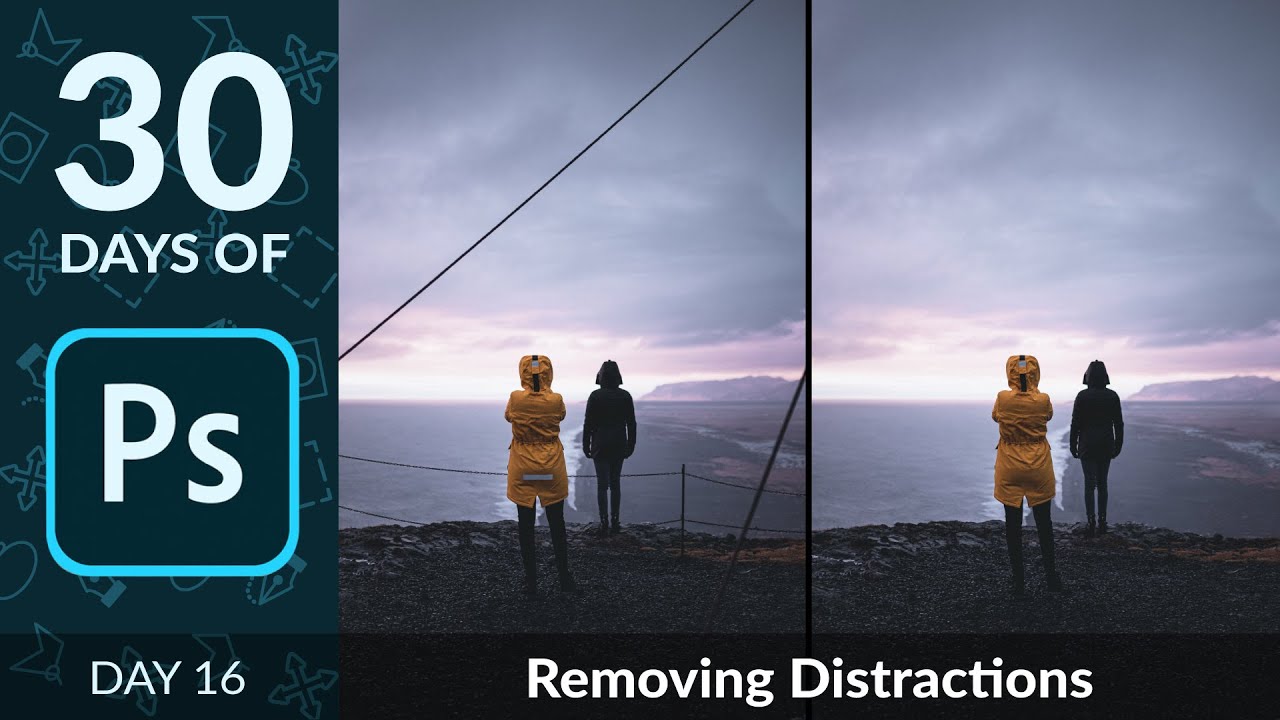
How to Wipe Out Power Lines, Signs, and Visual Clutter Using Photoshop's Content-Aware Patch Tool

How to Wipe Out Power Lines, Signs, and Visual Clutter Using Photoshop's Content-Aware Patch Tool

Anyone who has delivered location photography to an ad agency knows the sinking feeling: you get back to your desk, open the raw files, and there’s a power line cutting straight through the hero shot. Or a parking sign. Or a stray person in the background of what was supposed to be a clean architectural image. These aren’t artistic problems. They’re time problems. Every minute spent cloning and healing manually is a minute you’re not billing for, and the cumulative drag on a busy retouching day is real.

How to Use a Laser Tripwire to Nail Stop-Action Water Shots Every Time

How to Use a Laser Tripwire to Nail Stop-Action Water Shots Every Time

There’s a category of shot that looks effortless in a final ad but is genuinely punishing to capture without the right system: anything involving fast-moving liquid hitting a subject. I’ve watched assistants on commercial sets spend entire afternoons throwing water, firing the camera on continuous burst, and hoping something usable landed in the pile. Most of the time, maybe two or three frames out of hundreds are worth keeping, and even then the timing is pure luck.

How to Add Realistic Snow in Photoshop: Two Methods That Actually Work

How to Add Realistic Snow in Photoshop: Two Methods That Actually Work

Every December I get at least three client requests for “wintery” versions of images that were shot in July. Ad agencies love a good seasonal pivot, and nothing says “we planned this last minute” like asking your retoucher to add snow to a product shot of a pickup truck in front of a parking garage. I’ve used stock overlays, third-party plugins, and some truly embarrassing workarounds over the years. But a clean, convincing, layered snow effect built from scratch inside Photoshop?

Turn Any Multi-Layer Photoshop Look Into a One-Click Preset Using Color Lookup Tables

Turn Any Multi-Layer Photoshop Look Into a One-Click Preset Using Color Lookup Tables

Client work has a way of forcing efficiency. When you’re juggling color-grading across a product catalog for an ad agency, rebuilding three-adjustment-layer looks from scratch for each new shoot stops being an inconvenience and starts costing real money. For years, the standard answer to “can I save this whole look as one preset?” was a frustrating no. You could save individual adjustment layer presets, sure, but the moment your look depended on a curves layer, a hue/saturation layer with a blend mode change, and an opacity tweak stacked together, you were on your own.

Stop Babysitting Your Focus Point: A Landscape Photographer's Case for Wider AF Zones

Stop Babysitting Your Focus Point: A Landscape Photographer's Case for Wider AF Zones

There’s a particular kind of friction I recognize immediately when I watch photographers work in the field. It’s the same friction I see in post-production when someone is manually repeating a task that a well-built action could handle in a keystroke. The tool becomes the subject. The actual work gets pushed aside. In a recent tutorial, Watch the full tutorial on YouTube, Mark Denney describes coming back from a week of leading workshops in the Faroe Islands and noticing that photographers were spending more mental energy managing a tiny focus point than they were thinking about their compositions.

Fake Film Looks Are Everywhere. Here's How to Build a Real One in Photoshop.

Fake Film Looks Are Everywhere. Here's How to Build a Real One in Photoshop.

Client work has a way of exposing your shortcuts. A few months back, an ad agency sent me a batch of lifestyle shots that needed a cohesive vintage treatment, and every AI-driven “film look” filter I tested came back looking like someone had described film photography to a machine that had never seen a photograph. Overly warm, crushed in the wrong places, grain that tiled like bathroom tile. I scrapped all of it and went back to building the effect by hand.

Music, Copyright, and the Lightroom Workflow Detail Most Photographers Overlook

Music, Copyright, and the Lightroom Workflow Detail Most Photographers Overlook

There’s a part of the post-production process most photographers treat as an afterthought: the slideshow. You’ve culled, edited, color-graded, exported, and then you drop in whatever song felt right, burn a video, and send it to the client. I did exactly that for the first few years of my career, and I was lucky nobody called me on it. When I finally sat down with Jared Platt’s Ultimate Lightroom Workflow workshop on CreativeLive, I expected to walk away with faster culling techniques and better export settings.

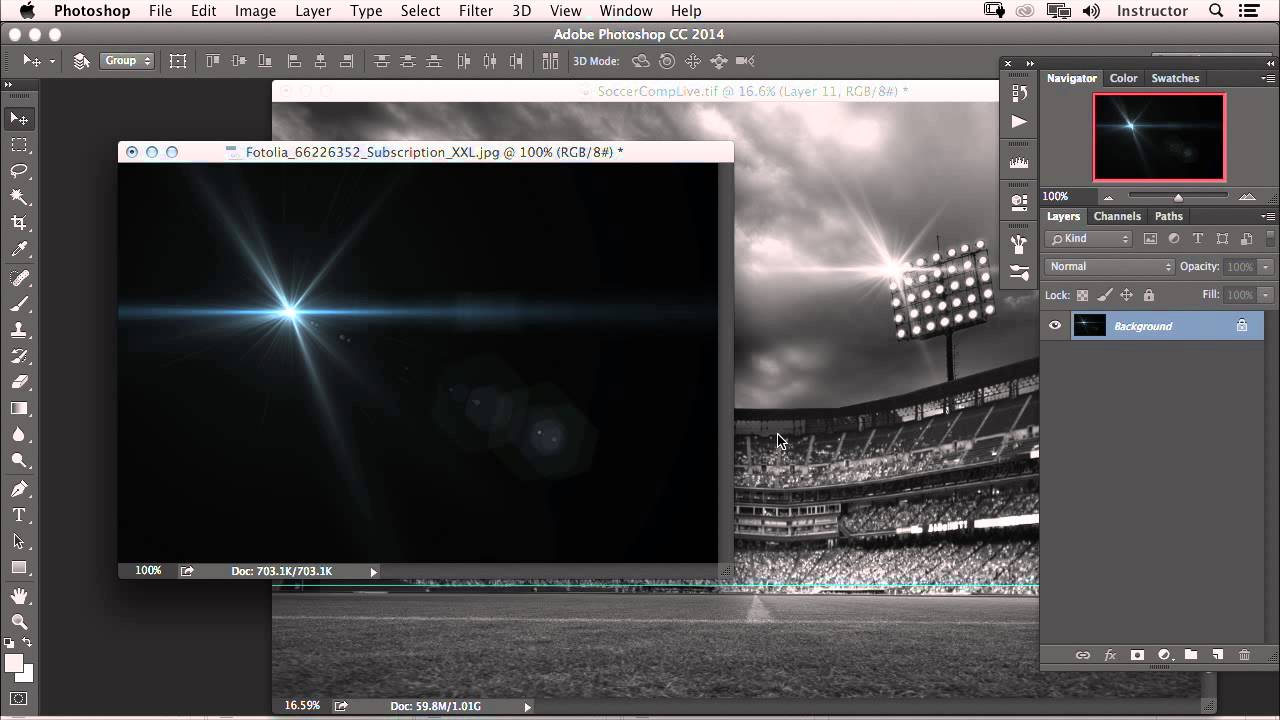
Fix, Mask, and Blur: A Camera Raw Workflow for Sports Photos That Actually Holds Up

Fix, Mask, and Blur: A Camera Raw Workflow for Sports Photos That Actually Holds Up

Sports photography hands you a specific kind of editing problem. The photographer wasn’t on a tripod. They weren’t waiting for perfect light. They were chasing a quarter-second window where everything happened at once, and they got it. The shot is good. The raw file is another story: slightly crooked, unevenly exposed across subjects, background fighting for attention it doesn’t deserve. I see this constantly in the post-production work that comes across my desk from ad agencies and editorial clients.

Lightroom Preset Organization Tips That Actually Stick (5 Techniques From a Pro Workflow)

Lightroom Preset Organization Tips That Actually Stick (5 Techniques From a Pro Workflow)

If you’ve worked in Lightroom long enough, you know the feeling: your preset panel looks like someone knocked over a filing cabinet, you can’t find the one you want, and you’re wasting time on organizational problems instead of actually editing. I’ve spent 15 years running post-production workflows for ad agencies and e-commerce clients, and I can tell you that a messy preset library is the kind of slow leak that quietly costs you hours every month.

What Software Companies Can Learn From Recent Regulatory Scrutiny

What Software Companies Can Learn From Recent Regulatory Scrutiny

What Software Companies Can Learn From Recent Regulatory Scrutiny I’ve been following some interesting developments in the tech industry lately, and I think there’s a valuable lesson here for anyone creating and distributing digital tools—including those of us in the Photoshop actions and presets space. The Bigger Picture Recently, several technology companies have faced regulatory scrutiny from federal agencies regarding product distribution and compliance documentation. While this news originates from the wireless sector, the underlying principles apply directly to how we develop and support creative software tools.

What Lightroom's Built-In Presets Can Actually Teach You About Retouching

What Lightroom's Built-In Presets Can Actually Teach You About Retouching

There’s a phase every retoucher goes through where they know what they want an image to look like but can’t quite connect that vision to specific slider values. I spent an embarrassing amount of time in that gap early in my career, guessing at Clarity adjustments and hoping for the best. What eventually pulled me out of it wasn’t a course or a book — it was slowing down and actually reading what existing presets were doing under the hood.