How I Built a Batch System That Processed 500 Product Shots in One Afternoon

How I Built a Batch System That Processed 500 Product Shots in One Afternoon

There’s a specific kind of misery that comes from doing the same Photoshop crop 200 times in a single day. I know because I lived it. Early in my career, before I understood what Photoshop could actually do for me, I sat in a studio chair for eight hours resizing product images one at a time, clicking File > Export, typing a filename, clicking Save, and doing it again. By image 140, I had started making errors.

Where AI Fits Into Your Creative Workflow (And Where It Doesn't)

Where AI Fits Into Your Creative Workflow (And Where It Doesn't)

The Tool Question We Keep Getting Wrong There’s been a lot of hand-wringing lately about artificial intelligence in creative work. I get it—there’s legitimate philosophical territory here about authorship and craft. But I’ve noticed we’re often framing this as a binary choice when the reality is much more nuanced, especially when you’re thinking about your actual day-to-day editing workflow. Let me be direct: I use AI tools. Not because I’m trying to skip the hard parts of being a photographer or designer, but because I’m pragmatic about what saves me time on repetitive tasks.

Firefly 5 Generative Fill Is Actually Useful Now — Here's How to Use It Without Making a Mess

Firefly 5 Generative Fill Is Actually Useful Now — Here's How to Use It Without Making a Mess

Client briefs change at the last minute. That’s not a complaint, just the reality of commercial work. An art director decides mid-shoot that the talent’s jacket should match the brand color, or a prop that looked fine on set reads completely wrong in post. For years, my answer to those situations was either a reshoot conversation nobody wanted to have or a painstaking manual composite that added two hours to a job that was already on a tight turnaround.

Building a Cohesive Cinematic Workflow: 7Artisans' New Budget-Friendly Lens Ecosystem

Building a Cohesive Cinematic Workflow: 7Artisans' New Budget-Friendly Lens Ecosystem

I’ve been thinking a lot lately about how the tools we choose in pre-production ripple through our entire post-production pipeline. So when I heard about 7Artisans launching their new Dream Cine Lens Series, it immediately caught my attention—not just as a gear announcement, but as a workflow consideration. Why Lens Choice Matters Beyond the Shoot Here’s something we don’t talk about enough in the Photoshop and post-production community: the lenses you choose during filming directly impact how you’ll grade and correct footage later.

The TourBox Lite: A Game-Changer for Streamlining Your Photoshop Workflow

The TourBox Lite: A Game-Changer for Streamlining Your Photoshop Workflow

Finally, a Hardware Solution That Makes Sense I’ve spent years watching digital artists waste precious creative time hunting through menus, clicking nested folders, and breaking their creative flow to access frequently-used commands. The TourBox Lite addresses this frustration head-on, and at just $84.99, it’s an investment that actually pays for itself in recovered productivity. What Makes This Different? Unlike traditional keyboards or mice, the TourBox Lite is specifically designed for creative professionals who work with software like Photoshop.

Why Multi-Device Audio Interfaces Matter for Your Creative Workflow

Why Multi-Device Audio Interfaces Matter for Your Creative Workflow

The Audio Problem Nobody Talks About I’ve been reviewing creative tools for years now, and here’s something I’ve noticed: we spend enormous energy optimizing our visual workflows—stacking Photoshop actions, building preset libraries, automating color grading—but our audio setups often remain fragmented disasters. You’ve got a USB cable here, a 3.5mm jack there, and your smartphone sitting uselessly on the desk because nothing plays nicely together. That’s why I’m genuinely excited about what’s happening in the audio interface space right now.

Compact Camera Gimbals Are Changing How We Capture Content for Post-Production

Compact Camera Gimbals Are Changing How We Capture Content for Post-Production

I’ve been testing compact gimbal cameras lately, and I’m genuinely impressed by how they’re transforming the way creators approach both shooting and editing. These tools are becoming essential for anyone serious about efficient post-production workflows. Why Gimbal Cameras Matter for Your Workflow For years, I’ve relied on various stabilization methods—gimbals, rigs, even creative handheld techniques. But the latest generation of compact cameras with built-in stabilization is game-changing. When you’re capturing footage that’s already smooth and stabilized at the source, your entire post-production pipeline becomes dramatically simpler.

When Camera Tech Wars Heat Up: What Creators Need to Know

When Camera Tech Wars Heat Up: What Creators Need to Know

When Camera Tech Wars Heat Up: What Creators Need to Know I’ve been watching the camera and content creation space closely for years, and I have to say—the patent lawsuits flying between DJI and Insta360 over the past couple of days caught my attention in a big way. This isn’t just industry drama; it could actually affect how we approach our creative workflows. The Battle That’s Heating Up The two companies have simultaneously filed competing patent infringement claims in the U.

Limited-Edition Hello Kitty Insta360 Go Ultra: Why Aesthetic Hardware Matters for Your Creative Workflow

Limited-Edition Hello Kitty Insta360 Go Ultra: Why Aesthetic Hardware Matters for Your Creative Workflow

When Gear Gets Personal I’ve been thinking a lot lately about how the tools we choose influence our creative output. It’s not just about specs and performance—though those matter—it’s also about whether you actually want to pick up your equipment every morning. Insta360 just released something that speaks directly to this philosophy: a limited-edition Hello Kitty collaboration for their Go Ultra action camera. What’s Included in the Bundle The package goes beyond slapping a character on a pink chassis.

The Plugin Tax: How to Audit Your Photoshop Stack Before It Audits You

The Plugin Tax: How to Audit Your Photoshop Stack Before It Audits You

Last spring I inherited a plugin folder from a commercial studio that was shutting down. The lead retoucher had accumulated 34 installed plugins over about six years. Some were licensed, some were trial versions that had quietly stopped working, and at least three were duplicates of each other doing the same luminosity masking job. The folder was a archaeological dig through every trend in retouching from 2018 onward. And the studio had been paying for most of it.

Portable Power Solutions Are Finally Making Remote Creative Workflows Viable

Portable Power Solutions Are Finally Making Remote Creative Workflows Viable

The Remote Creator’s Power Problem I’ve always been fascinated by the tension between creative freedom and technical constraints. Sure, you can escape to a remote cabin with your camera and laptop, but what happens when your battery dies three hours into color grading? Until recently, this meant choosing between artistic isolation and the reliable power infrastructure of urban studios. That’s changing. I’ve been researching the latest generation of portable solar power systems, and they’re mature enough now to genuinely support demanding creative workflows—not just charge your phone.

Blending Photos and Graphics in Photoshop: What Aaron Nace's Workflow Taught Me About Working Smarter

Blending Photos and Graphics in Photoshop: What Aaron Nace's Workflow Taught Me About Working Smarter

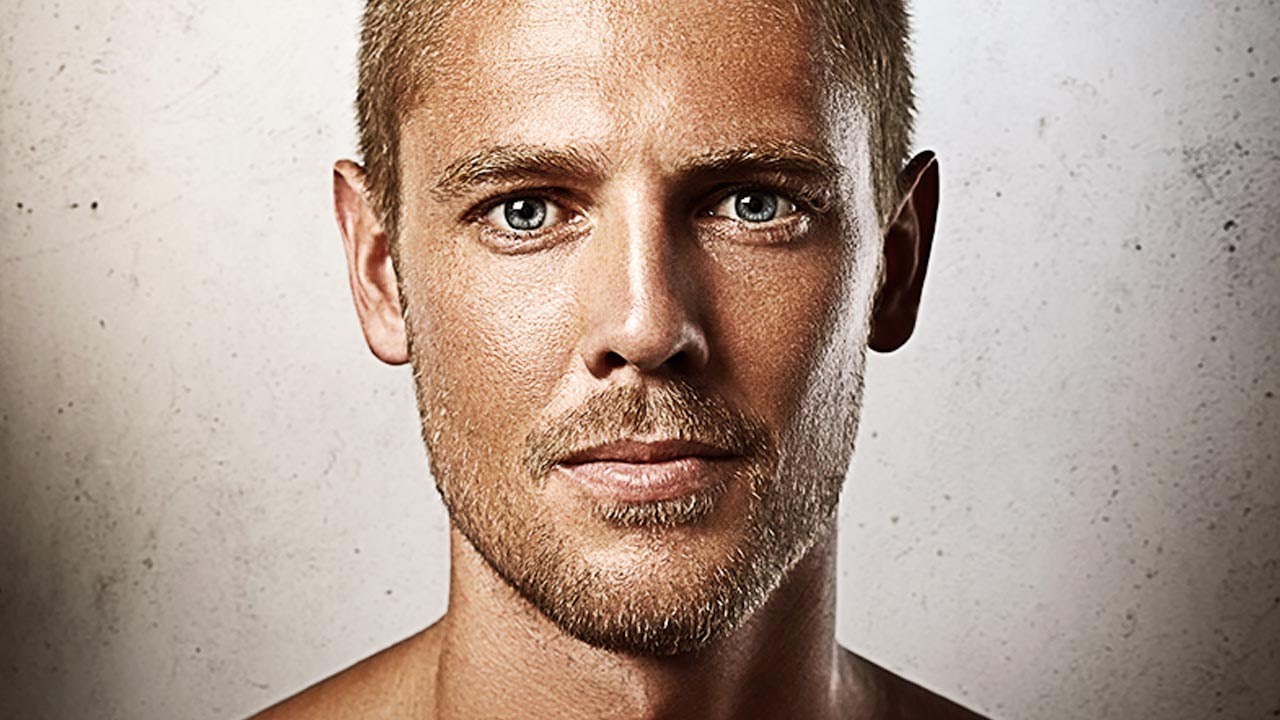
Client work has a way of pushing you into techniques you’d never have explored on your own. Ad agencies started asking me for portraits with a graphic, illustrated feel about two years ago, and I spent an embarrassing amount of time cobbling together workflows from scattered forum posts. So when PHLEARN released their Graphic Portrait Pro tutorial, hosted by Aaron Nace, I watched the whole thing twice before breakfast. Not because the concepts were brand new to me, but because seeing six complete workflows in one place, with all the source files included, is the kind of resource that would have saved me weeks of trial and error.