Why Panasonic's L-Mount Strategy Matters for Your Post-Production Workflow

Why Panasonic's L-Mount Strategy Matters for Your Post-Production Workflow

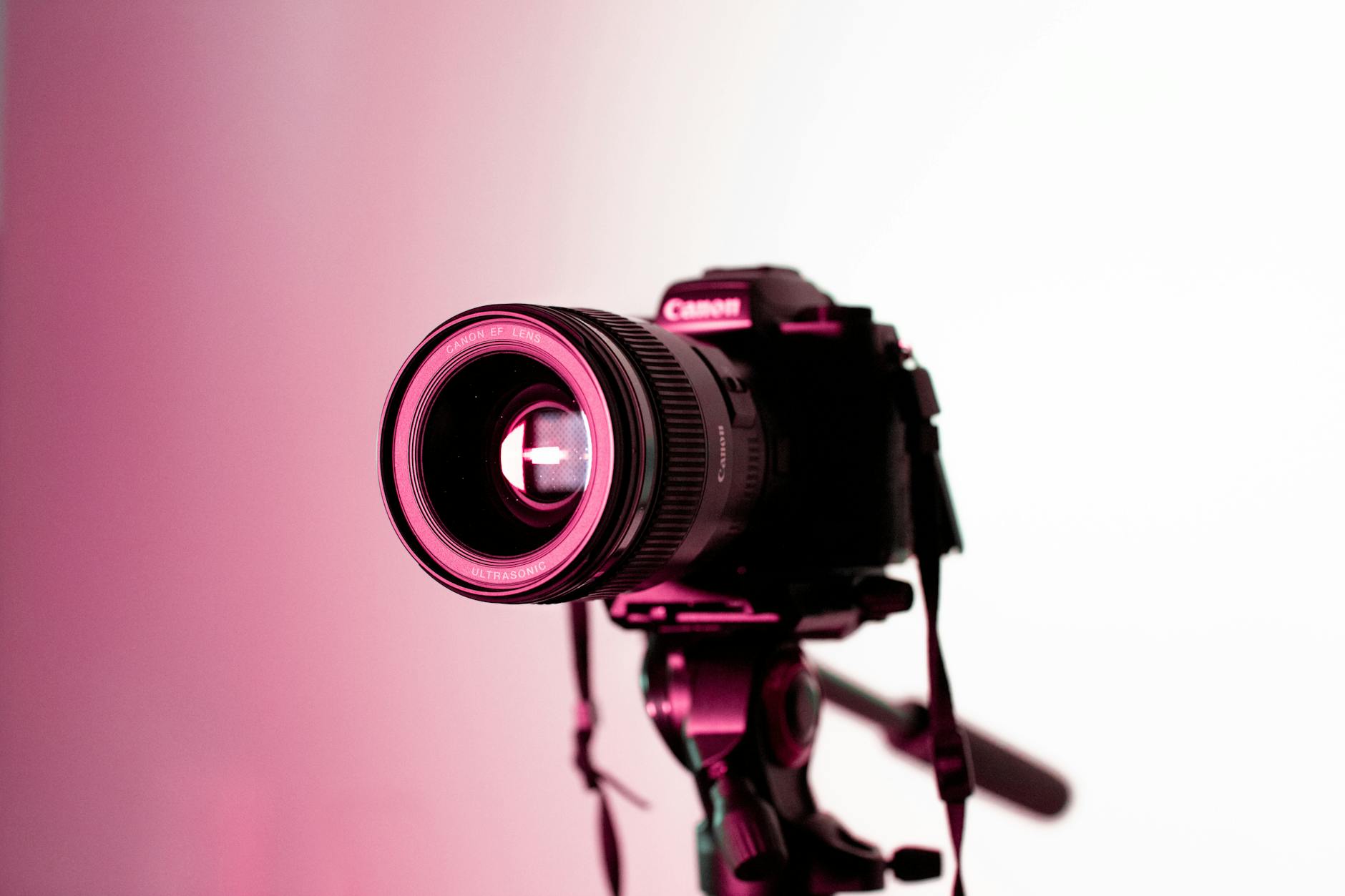
The L-Mount Reality Check I’ve been following Panasonic’s moves in the mirrorless space, and I need to be honest: their latest strategic direction tells us something important about how camera choice influences your entire post-production pipeline. While the company continues developing successors to their S1H flagship, they’re making a deliberate decision to sit out the wildlife photography arms race. And frankly, that shapes what we need to know about building efficient editing workflows.


Creating Custom Brushes for Photoshop: The Foundation of Efficient Workflows

Creating Custom Brushes for Photoshop: The Foundation of Efficient Workflows

Creating Custom Brushes for Photoshop: The Foundation of Efficient Workflows I’ve spent the last decade building Photoshop workflows, and I can tell you with absolute certainty: the fastest designers aren’t using Adobe’s default brushes. They’re building custom brush sets that anticipate exactly what they need, when they need it. Custom brushes are more than aesthetic preferences—they’re the scaffolding of repeatable, automated work. When you combine them with actions and presets, they become incredibly powerful.

Why Thunderbolt 5 Docks Matter for Your Photoshop Workflow

Why Thunderbolt 5 Docks Matter for Your Photoshop Workflow

I’ve been watching the Thunderbolt 5 ecosystem develop with genuine interest, and the latest announcements from UGreen are exactly the kind of infrastructure improvements that can make or break a professional creative workflow. Let me break down why I’m excited about what these new docks mean for photographers and Photoshop-heavy workflows. The Connectivity Challenge We All Face If you’re running sophisticated Photoshop actions, working with presets across multiple projects, or managing complex layer-based workflows, you know the pain point: cable clutter and bandwidth limitations.

Why Mobile Audio Gear Matters for Your Content Creation Workflow

Why Mobile Audio Gear Matters for Your Content Creation Workflow

The Audio Gap in Mobile Content Creation I’ve been thinking a lot lately about how we approach content creation as a complete workflow. We obsess over camera settings, lighting ratios, and color grading—rightfully so. But here’s what I keep noticing: creators are still struggling with audio capture on mobile devices. That’s why I got excited hearing about Saramonic’s new Air SE system. It’s a dual-channel wireless microphone setup built specifically for smartphones, tablets, and computers.

Color Lookup Tables (LUTs) in Photoshop: The Ultimate Workflow Accelerator

Color Lookup Tables (LUTs) in Photoshop: The Ultimate Workflow Accelerator

Color Lookup Tables (LUTs) in Photoshop: The Ultimate Workflow Accelerator I’ve been obsessed with color lookup tables for the past year, and honestly, I think they’re one of the most underutilized features in Photoshop for serious workflow optimization. Whether you’re processing product photography, establishing brand consistency, or speed-editing wedding galleries, understanding how to leverage LUTs will transform your efficiency. What Actually Is a LUT? A LUT—color lookup table—is essentially a mathematical instruction set that remaps input color values to output values.

Workflow Tools That Actually Save Time in Photoshop

Workflow Tools That Actually Save Time in Photoshop

I’ve tested dozens of workflow tools over the years, and I’m genuinely excited to share what actually works. Too many articles gloss over the friction points, but I’m going to be honest: some tools promise the world and deliver frustration. Others quietly solve problems you didn’t know you had. Script Panel vs. Actions Panel: When to Use Each Here’s something that trips people up constantly. Photoshop’s native Actions panel works beautifully for linear, repetitive tasks—but it has hard limits.

Wildlife Photography Workflow Gold: Processing Trail Camera Footage of Predator Interactions

Wildlife Photography Workflow Gold: Processing Trail Camera Footage of Predator Interactions

When Nature Delivers Your Next Editing Challenge I’ve been following some fascinating wildlife photography coming out of Minnesota’s trail camera network, and honestly, it’s got me thinking about our entire approach to processing high-volume wildlife captures. Researchers recently documented wolves and a black bear sharing space around a fresh fish kill—the kind of rare behavioral footage that’s both scientifically valuable and visually stunning. But here’s what really caught my attention: imagine processing hundreds of these trail camera images.

Photoshop Actions: Building Your First Automation That Actually Saves Time

Photoshop Actions: Building Your First Automation That Actually Saves Time

I’ve watched countless designers create their first Photoshop action with unrealistic expectations. They think they’ll automate everything in five minutes and reclaim hours of their life. Then reality hits—the action breaks on the second image, or it works perfectly on their machine but fails for their team. After building hundreds of actions across different projects, I’ve learned what separates functional automations from genuinely useful ones. Let me share what actually works.

Mastering Export Workflows: How to Save Your Photoshop Actions Properly

Mastering Export Workflows: How to Save Your Photoshop Actions Properly

I’ve watched too many creators struggle with broken action files. Someone exports an action, shares it, and suddenly it won’t load on another machine. The preset icons disappear. The color values get corrupted. These problems aren’t random—they come from exporting the wrong way. After years of building and distributing actions, I’ve learned exactly what works and what doesn’t. Let me walk you through it. Why Export Matters More Than You Think Here’s the thing: exporting an action isn’t just about sharing.

Color Lookup Tables (LUTs) in Photoshop: What They Actually Do and How to Use Them

Color Lookup Tables (LUTs) in Photoshop: What They Actually Do and How to Use Them

Color Lookup Tables (LUTs) in Photoshop: What They Actually Do and How to Use Them I’ll be honest — when I first heard about LUTs, I thought they were some boutique feature for video editors. Turns out they’re genuinely useful in Photoshop too, but most people misunderstand how they work. After testing them across dozens of workflows, I want to clear up the confusion and show you exactly why they matter.

5 Workflow Automations That Save Professional Photographers Hours

5 Workflow Automations That Save Professional Photographers Hours

I track my editing time. Not because I’m obsessive, but because time is money when you’re running a photography business. Last year I automated five recurring tasks and recovered roughly 12 hours per week. Here’s each one and exactly how to set it up. 1. Multi-Format Export (Saves ~2 Hours/Week) Every delivered shoot needs files in multiple formats: full-resolution TIFF for the client, 2000px JPEG for web galleries, 1080px JPEG for social media.

The Best Texture Overlays for Adding Depth

The Best Texture Overlays for Adding Depth

Texture overlays are one of the fastest ways to add visual interest to a photograph. A concrete wall, a sheet of old paper, a scratched metal surface — layered over your image with the right blend mode, these textures can transform a flat photo into something with real tactile depth. What Makes a Good Texture The best textures for photographic work share a few qualities. They’re high resolution — at least matching your camera’s output.